Activating the app
Activate this Mac in seconds.
The first time bokeh opens, it asks for your license key. Paste it once and the editor is ready. Your key arrives by email.
- 01
Open bokeh
Launch the app. The first screen asks for your license key.
- 02
Activate
Paste your key and press Activate.
- 03
Start recording
The editor opens as soon as this Mac is activated.
- 04
Another Mac
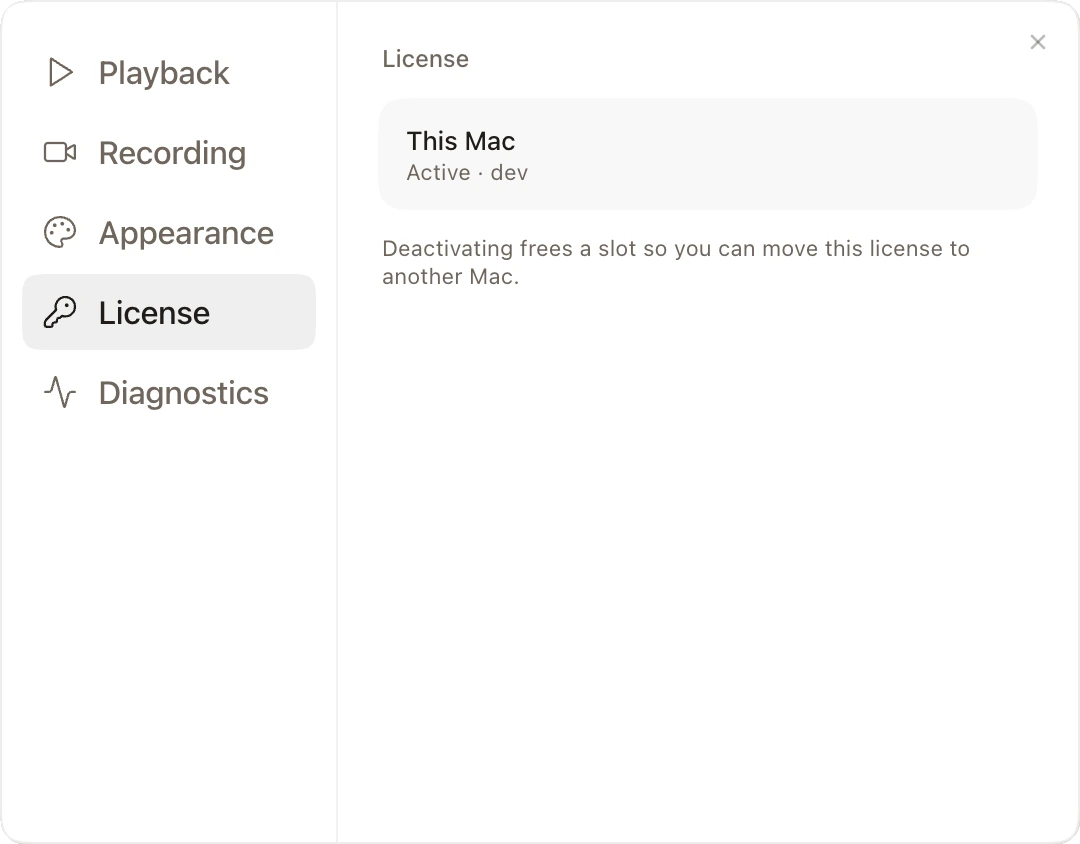
One key covers 2 Macs. To move it, deactivate a Mac in Settings → License.