Managing account access
Take your license to a new Mac.
Your key moves with you. Free up a Mac in Settings, then activate the new one.
Check this Mac
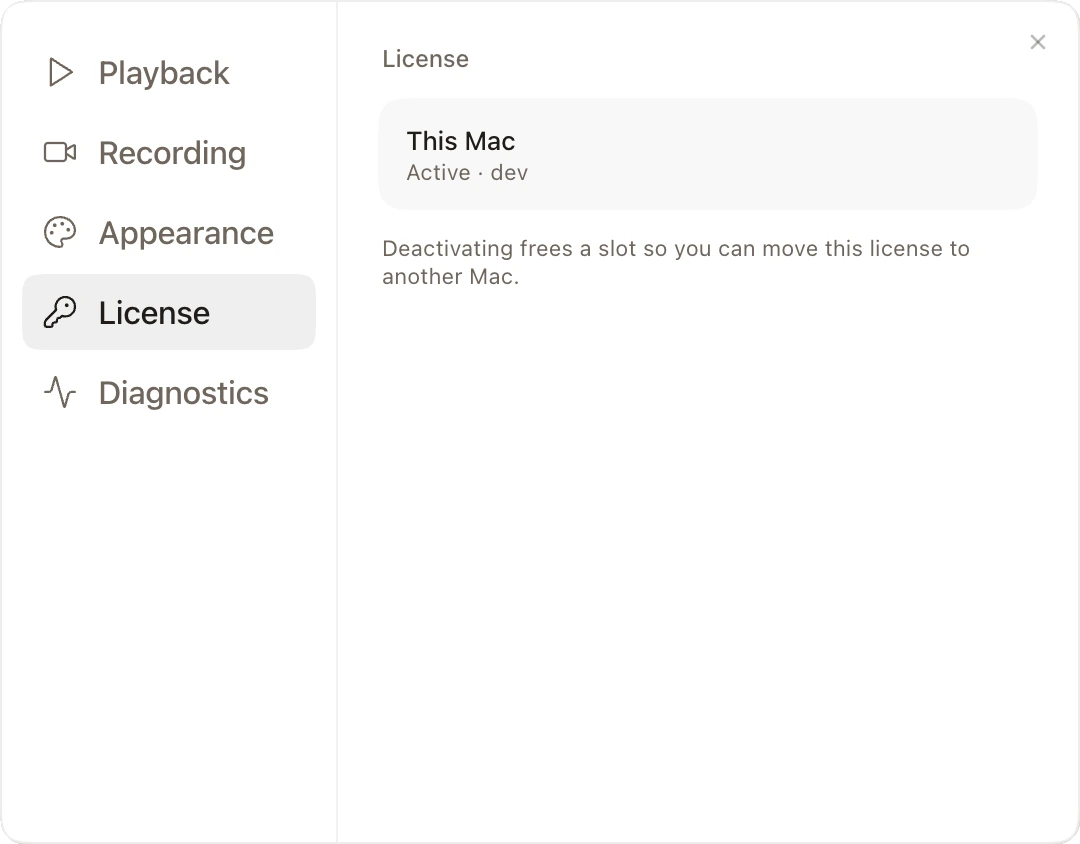
Settings → License shows whether this Mac is activated.
Move to another Mac
Deactivate this Mac in Settings → License, then paste the same key on the new one.
How many Macs
One key covers 2 Macs at a time.